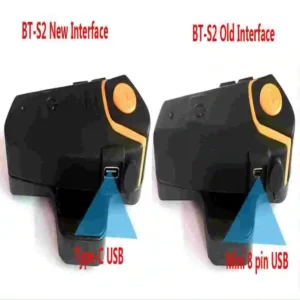
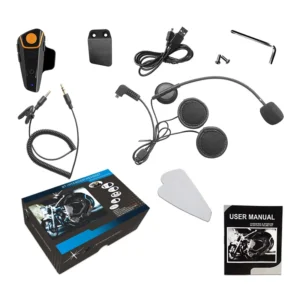
- Battery Included: No
- High-concerned chemical: None
- Support intercom: Yes
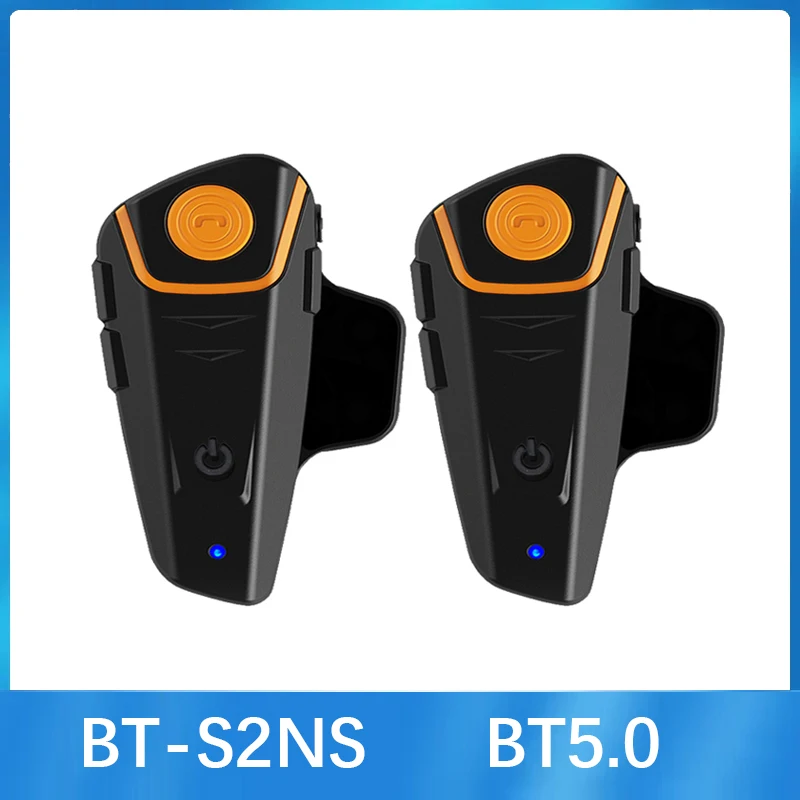
- Special Features: FM,Waterproof,Noise Reduction,Motorcycle Helmet Bluetooth Intercom with FM
- Item Weight: 50
- Item Height: 1.5
- Item Width: 4.5
- Item Length: 8
- External Testing Certification: ce
- Model Name: BT-S2
- Applicable Helmet Type: MODULAR,MOTOCROSS,Open face,Full Face,Flip Up Helmet,Universal
- Power Supply Mode: Built-in Battery
- Connection Mode: Wire,Bluetooth
- Maximum Number of Speakers: 2
- Maximum Intercom Distance: 500-1000m
- Brand Name: XINOWY
- Certification: CE
- Origin: Mainland China
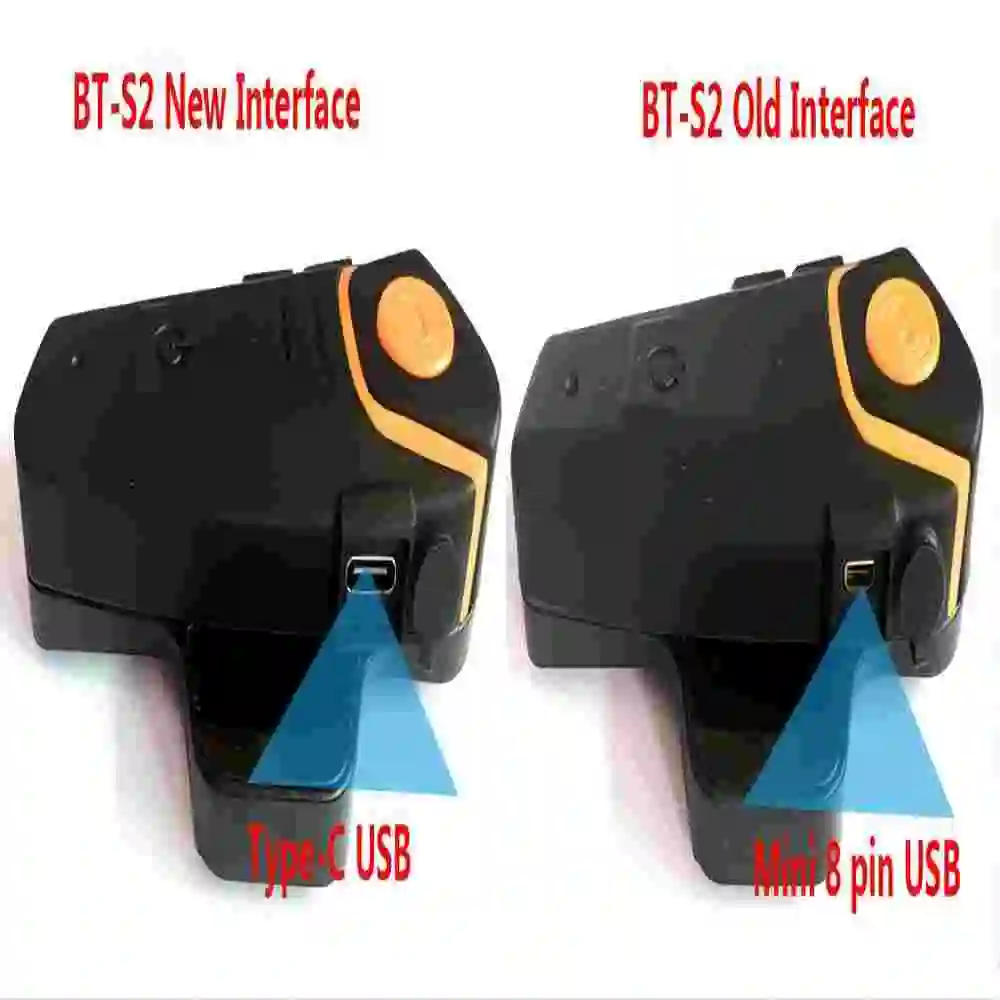
- Plug Type: USB
- Item Type: Helmet Headset
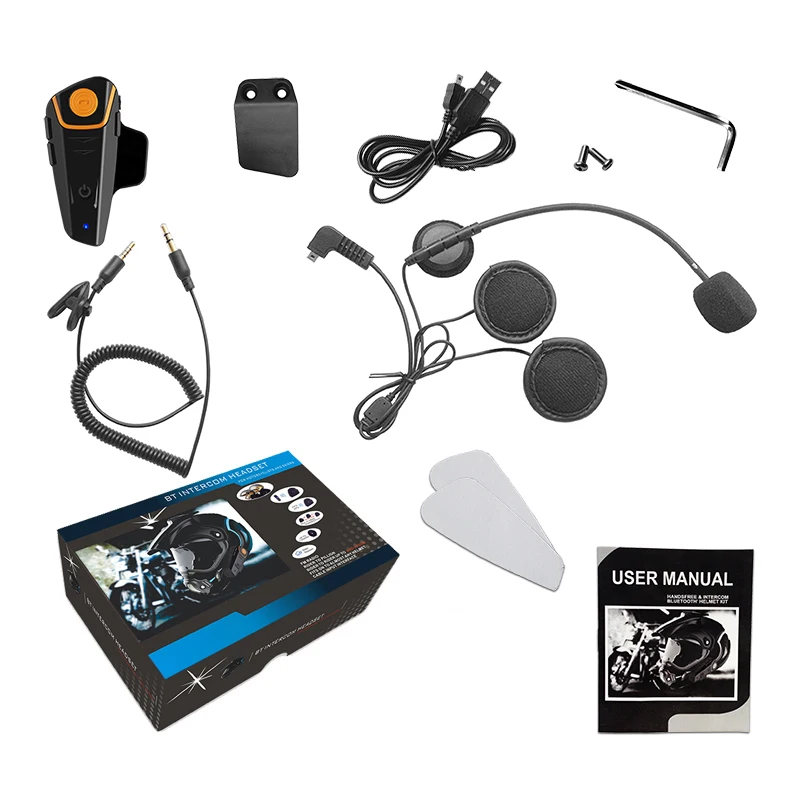
Note please: 2 kinds of earphones & microphones for your choice:
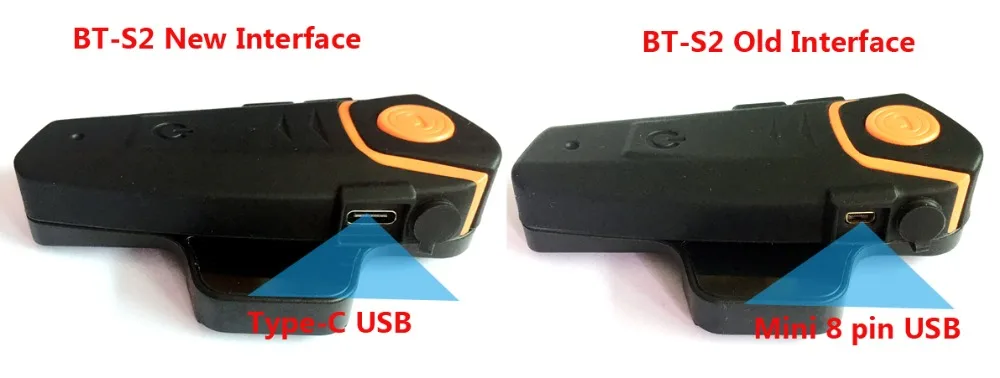
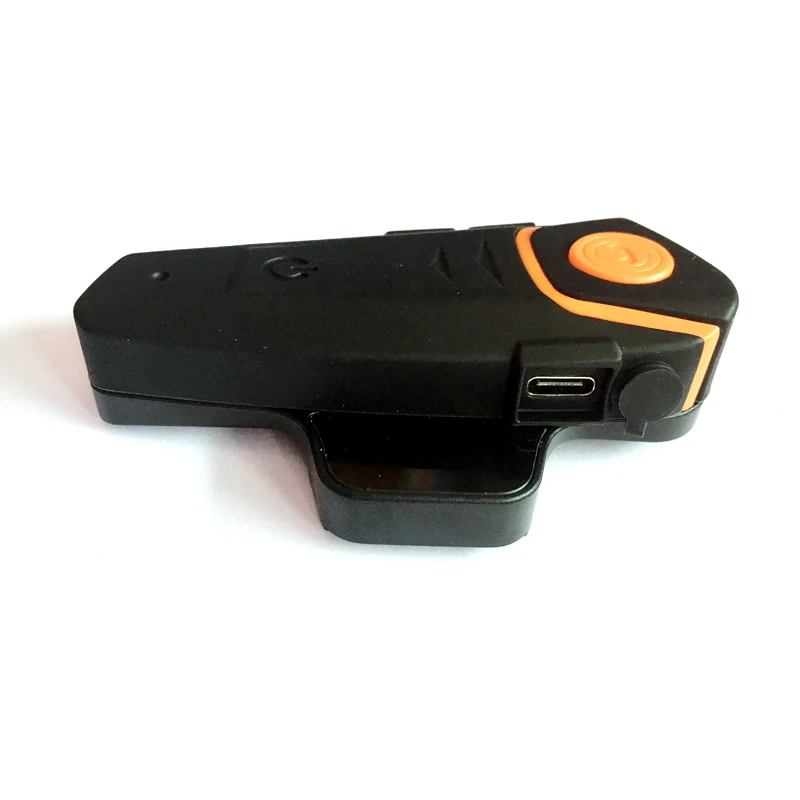
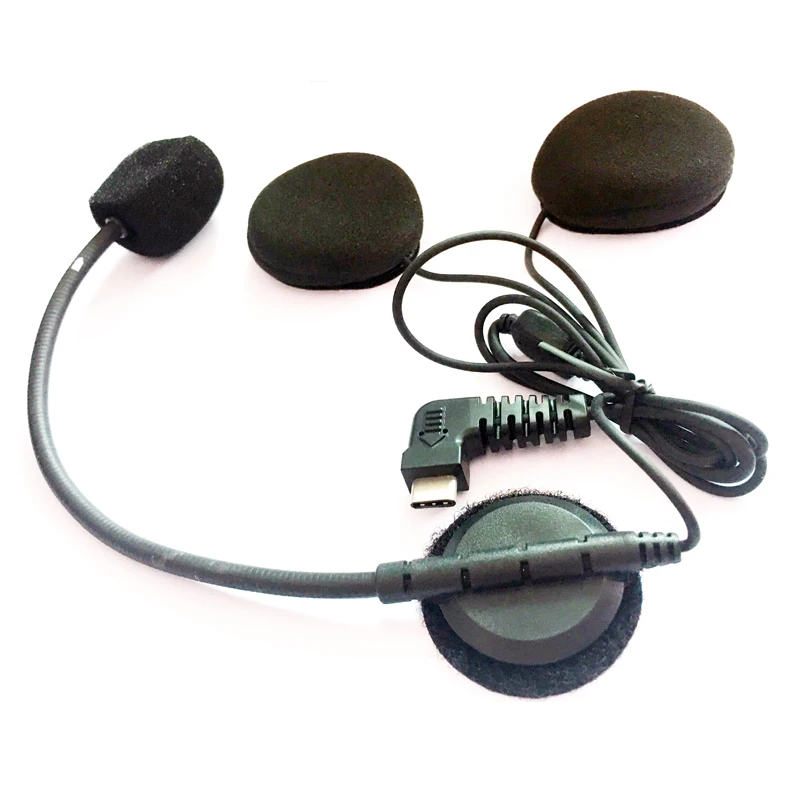
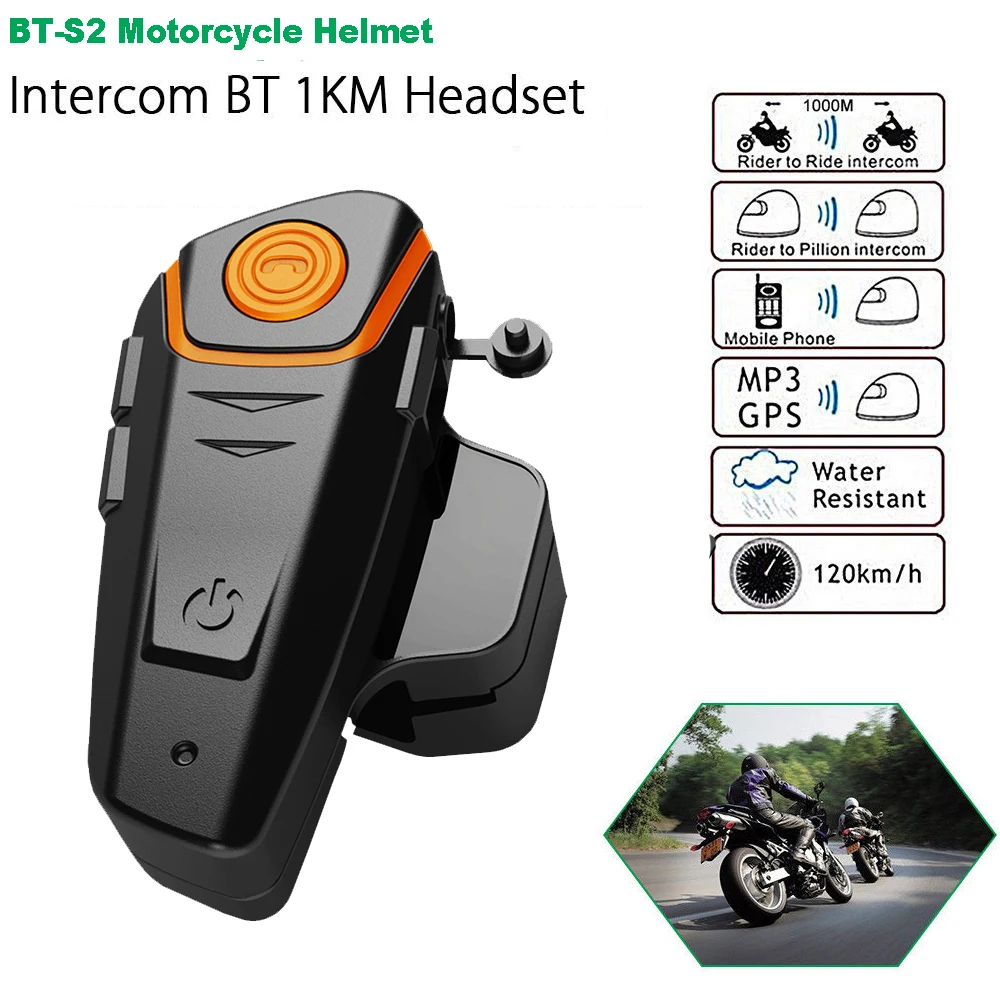

Please note: If you want to intercom with others, please buy 2 or 3 units. (It can support Max 3 units.intercom)
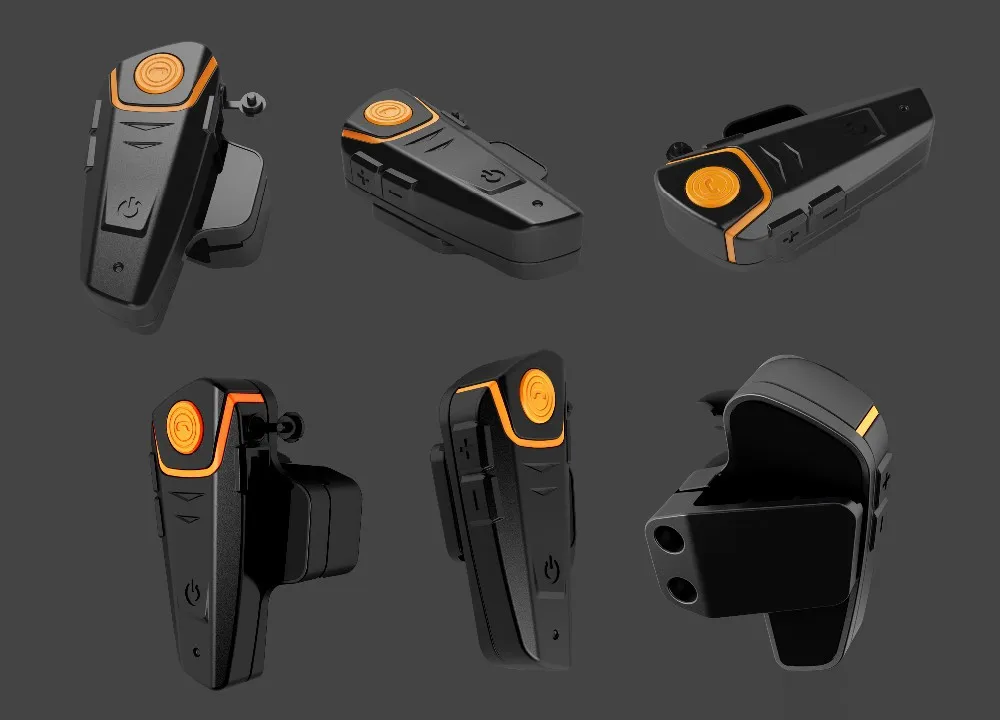
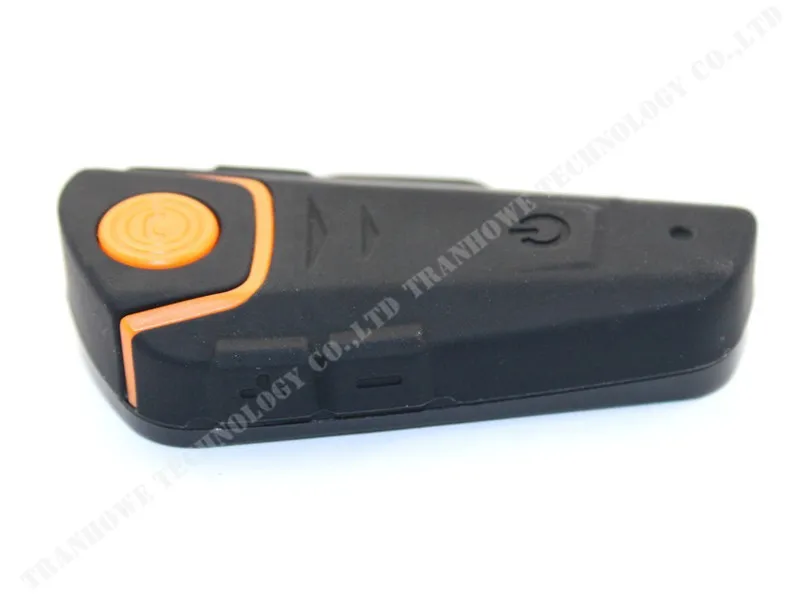

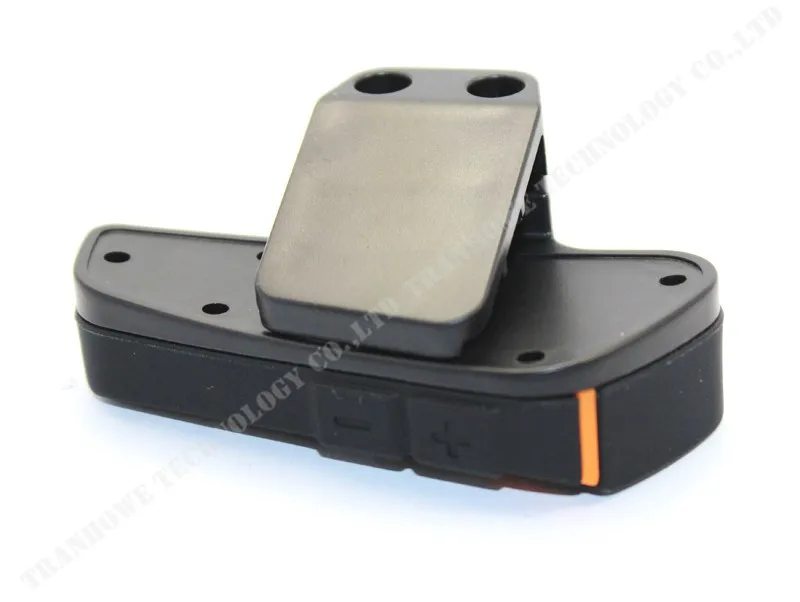
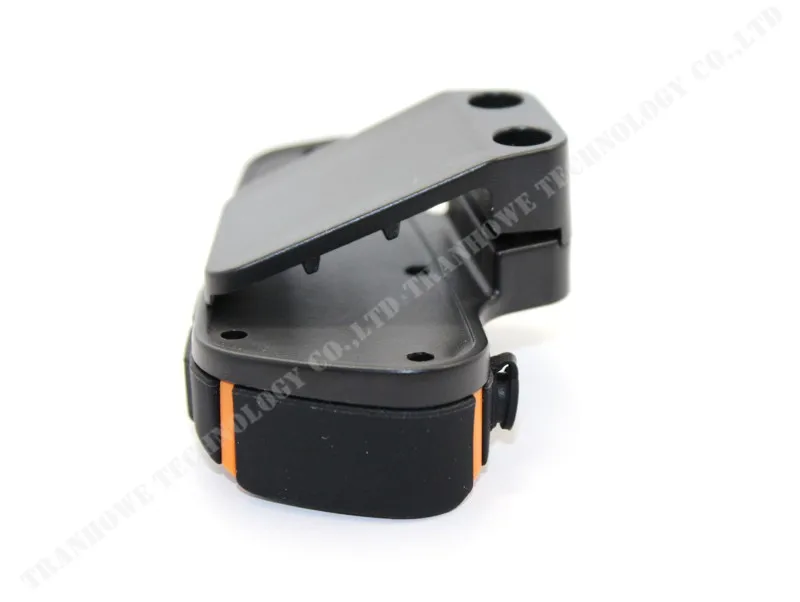
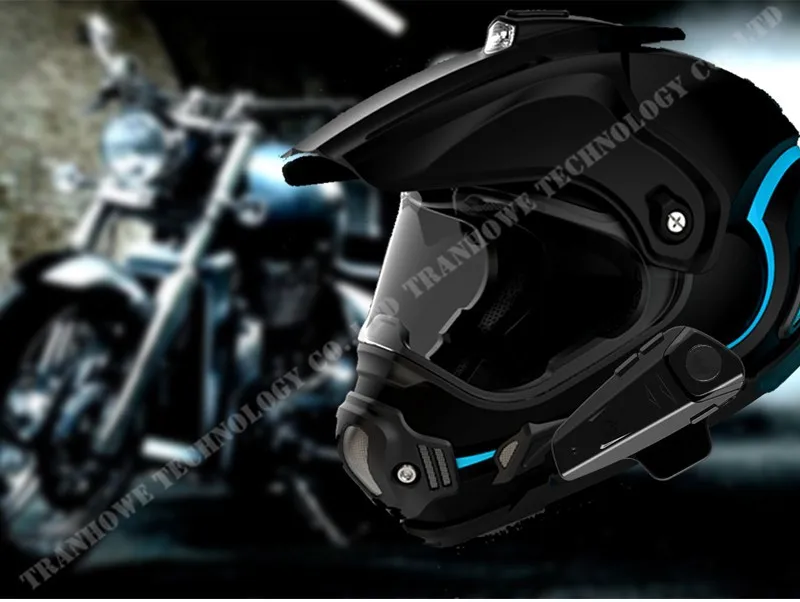
To Pair 2 devices in intercom mode:
When both devices are turned off, press and hold the power /intercom button on both devices until both units flash red/blue repeatedly. You need to hold the button for more than 6 seconds and dont let go when you see the blue light.
Short press the power /intercom button on ONE of the two devices and this device will search and auto-pair to the other in intercom mode. A live call will be initiated.(Intercom will start)
If this fails retry it ensuring both red/blue light sequences are initiated simultaneously and are close together. Also ensure any other Bluetooth devices are turned off.
When paired, you do not need to go into pairing mode again. In future you only need to go into standby mode (blue light flashing) on both units and press the button on one of the devices.
To Pair 3 devices in intercom mode:
Follow the above procedure for each combination of the three units. (A-B, B-C, A-C).
Ensure the third unit is switched off when pairing the other two devices.
Only 1 connection can be live at a time. When successfully paired the connections can be switched by ending any live call and returning to standby.
From Standby press the power/intercom button 1 time for one of the pairings to be called, or long press(about 2 seconds) for the other pairing to be called.
The pairing for 1 or 2 presses will depend on the sequence in which you paired the 3 helmets, but once paired the relevant pairings will maintain the number.
i.e. A will press the power/intercom button 1 time to call B and long press(about 2seconds)to call C. B will press the button 1 time to call C and long press(about 2seconds) to call A. C will press the button 1 time to call A and long pesee(about 2seconds) call C.
To Reset the pairing memory:
If you have problems pairing, then it is best to reset the pairing memory
Turn on the relevant unit into standby mode. Press the power/intercom button for 3-5 seconds till a dudu” can be heard.
Let go of the button when the tone is heard.(The unit will turn off)
Restart, the memory will be erased. (Repair again)
To Start FM radion:
After turn the unit on, Press Phone button for 2 times (till hear du” tone), let go of the button, FM radion will start.
Short press:”+” or – button you can adjust the channel.
When FM radio start,Press Phonge button for 2Times,FM will end up(stop).
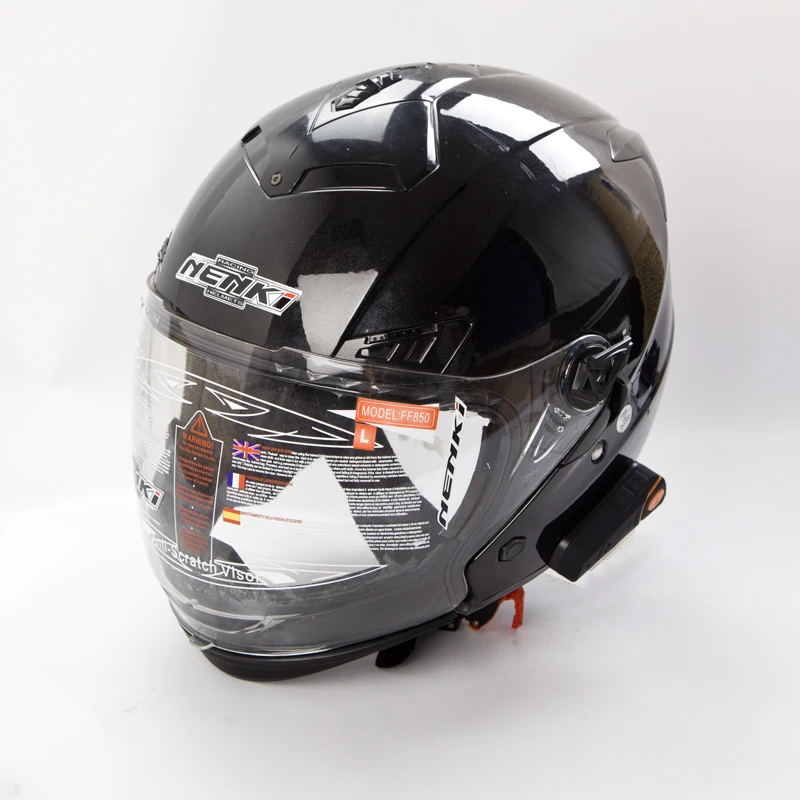
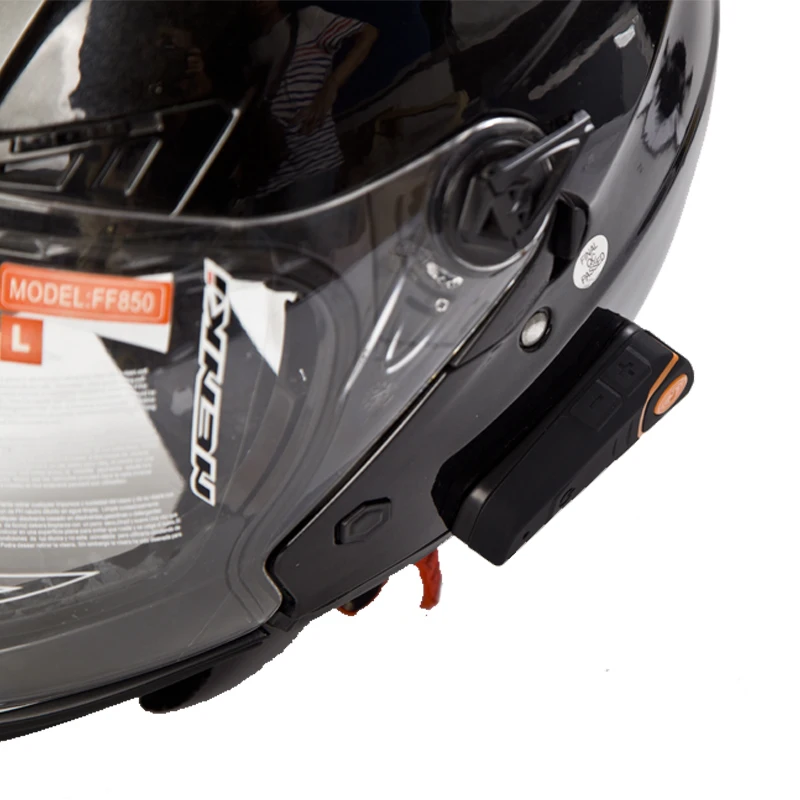
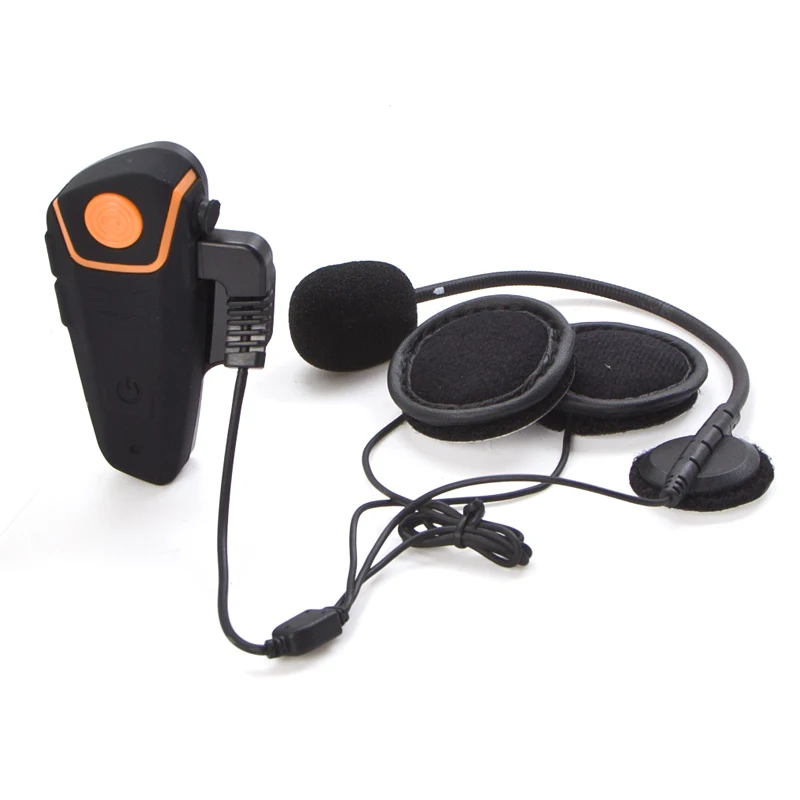
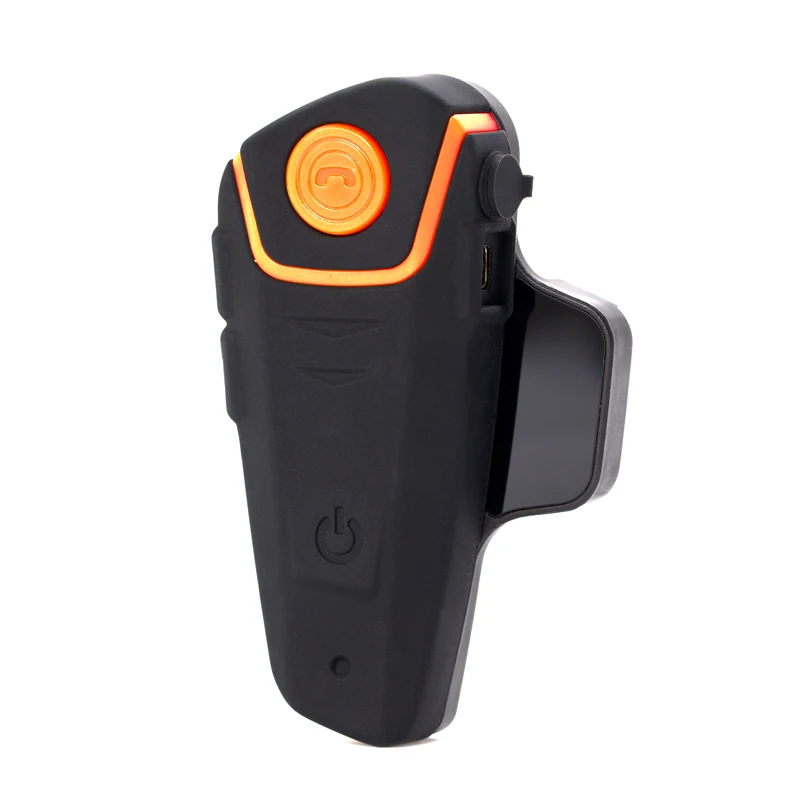
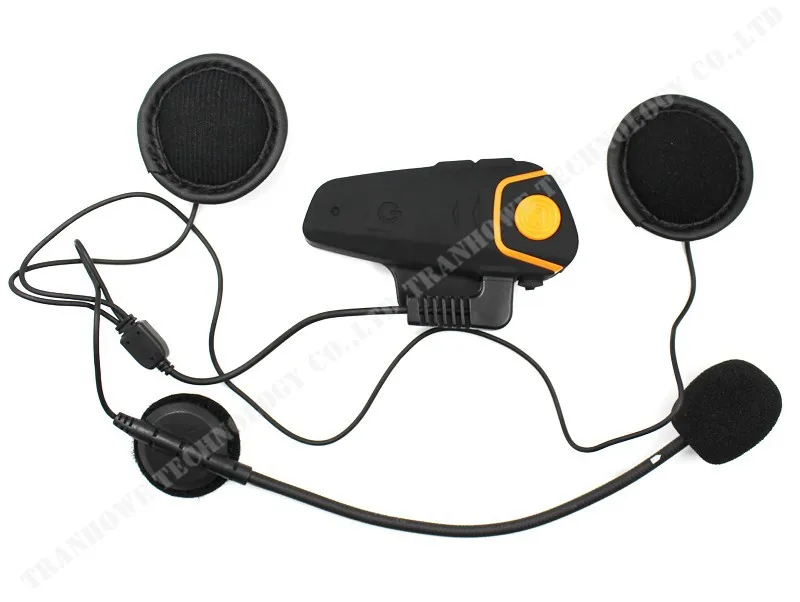
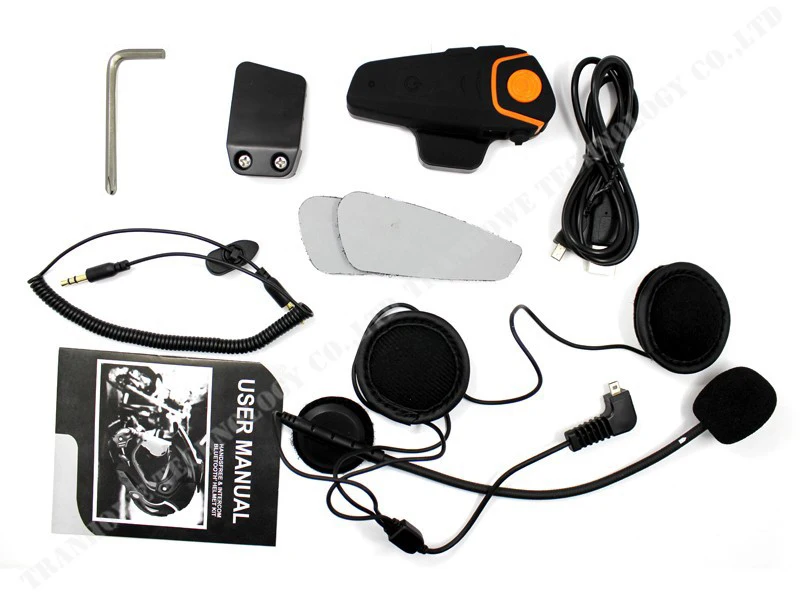
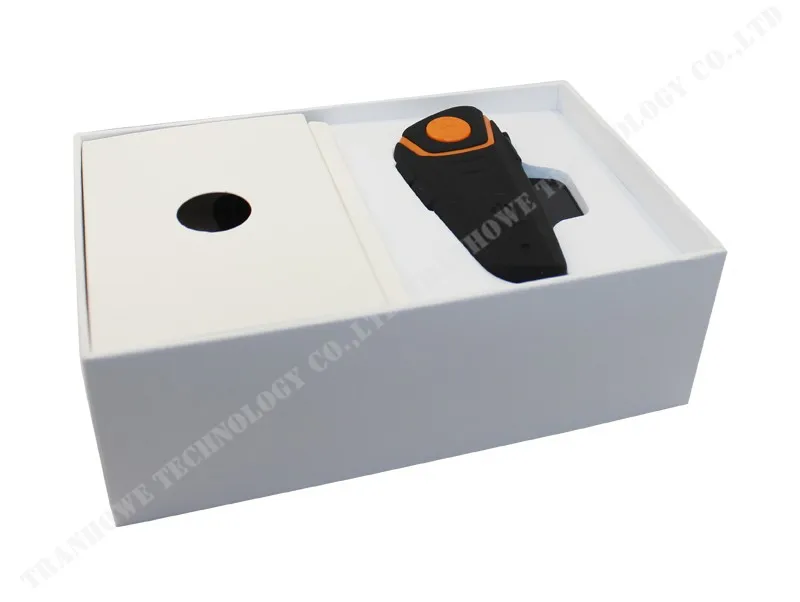
Package:
1/2 x Headset
1/2 x Headset clip w/Fastening Screws
1/2 x Screw driver
1/2 x USB Cable
1/2 x User Manual



Reviews
There are no reviews yet.