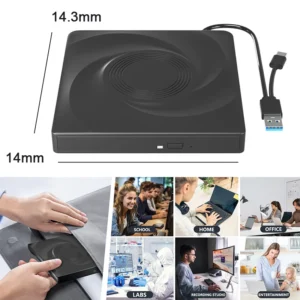
- High-concerned chemical: None
- Disc Loading Mode: Tray Type
- Error Correction Function: Support
- Cache Capacity: 2MB
- Installation Method: External
- Maximum DVD Burning Speed: 8x
- Drive Type: BD-RW
- Disc Standard: DVD+ RW
- Recording Format: DVD±RW/DVD-RAM
- Package: Yes
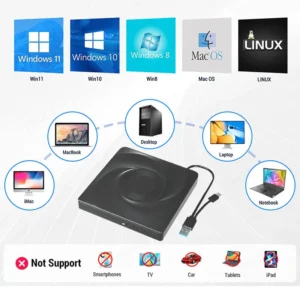
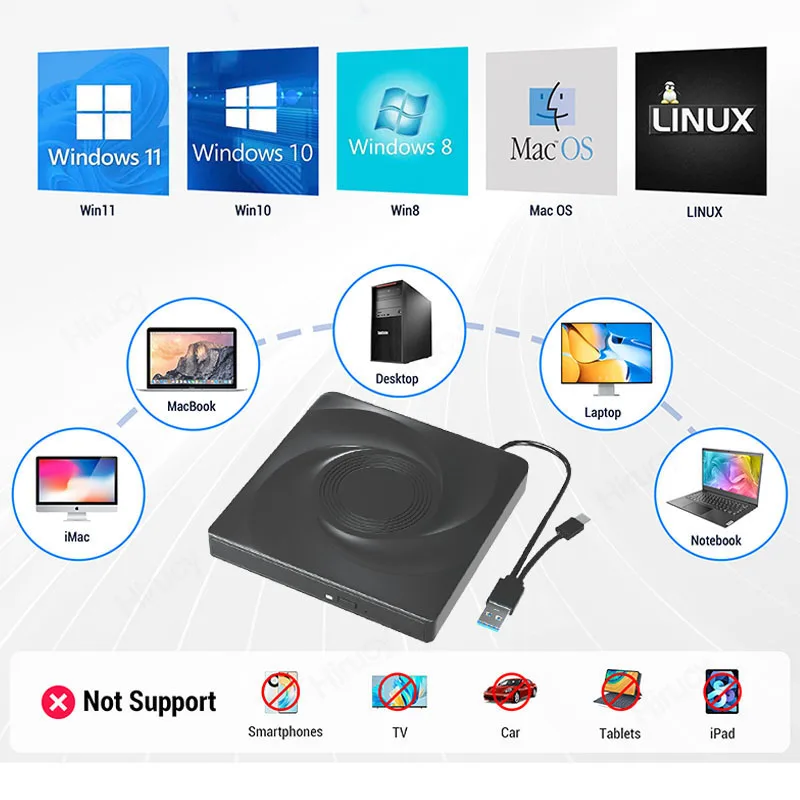
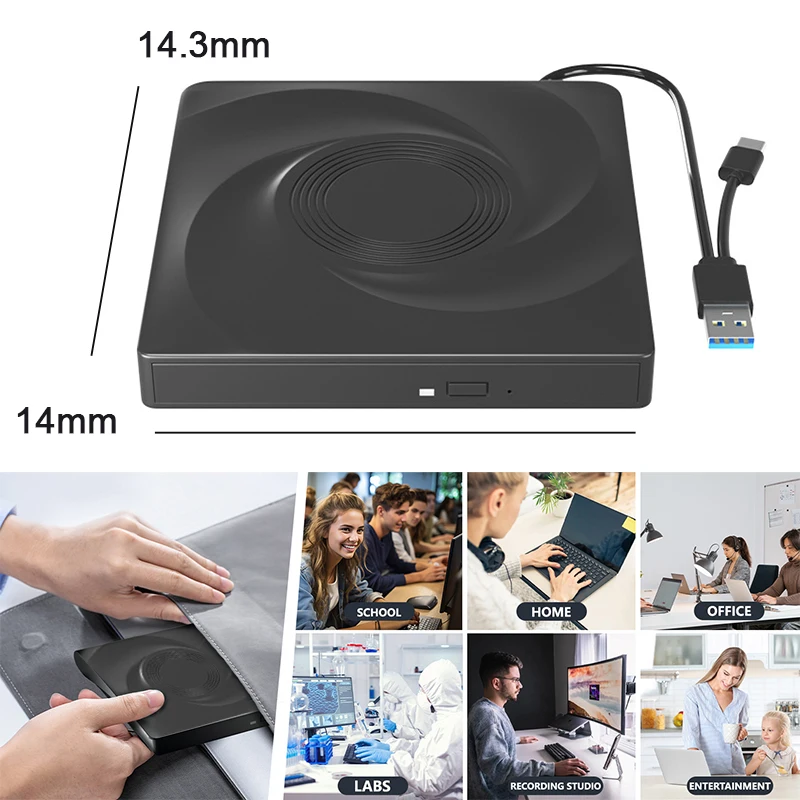
- Application: Desktop,Laptop,External
- Model Number: BDKL-F5-Bag
- Interface Type: USB 3.0
- Type: Blu-ray Burner
- Brand Name: Hirucy
- Origin: Mainland China
- Certification: CE,FCC,RoHS
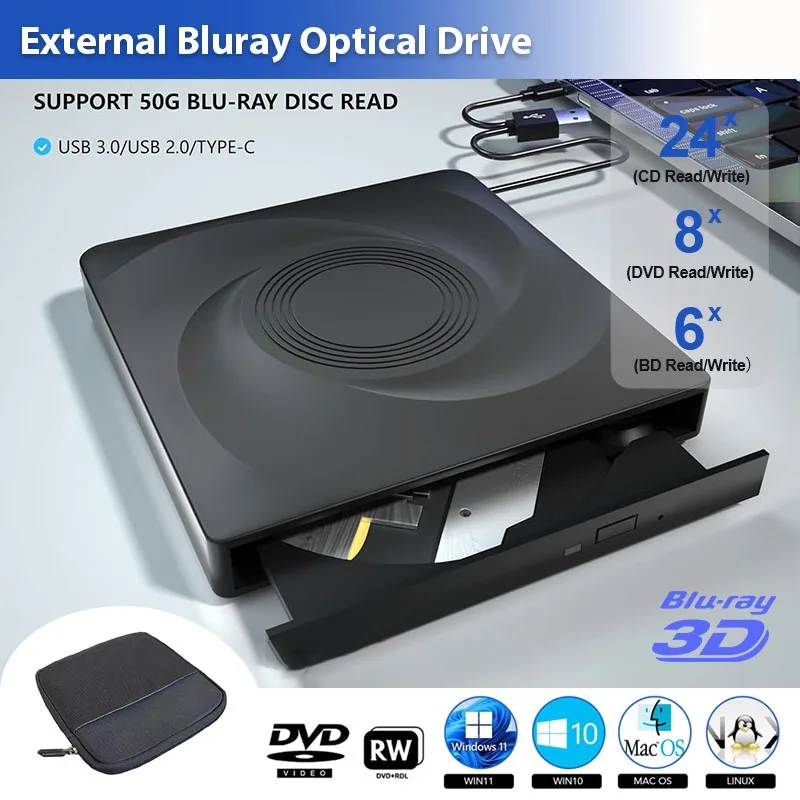
- Product Name: External Blu-ray Drive
- Function: BD/DVD/CD Burner
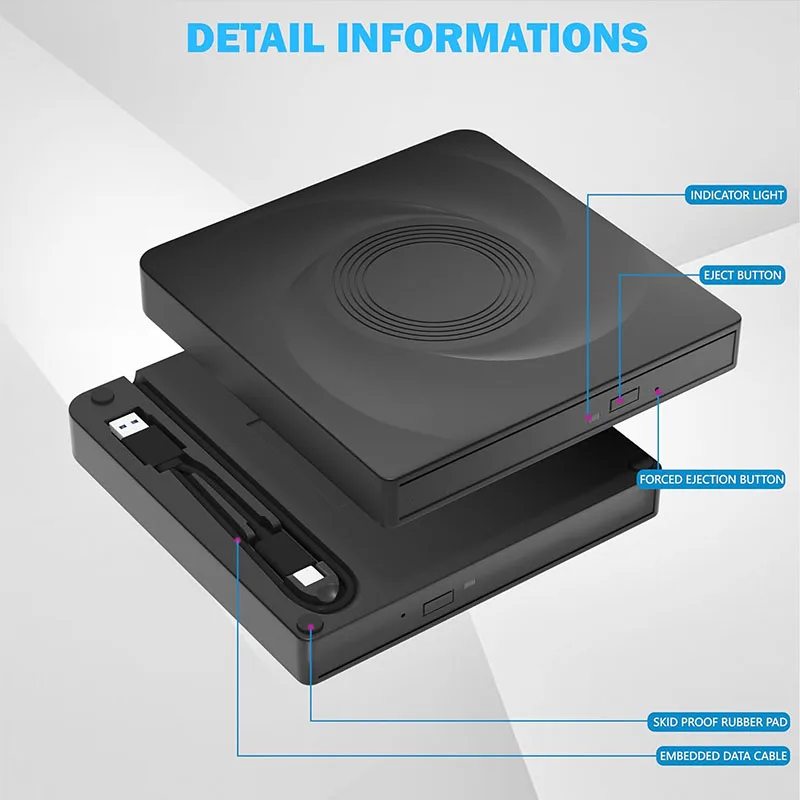
- Interface: USB 3.0/Type-C
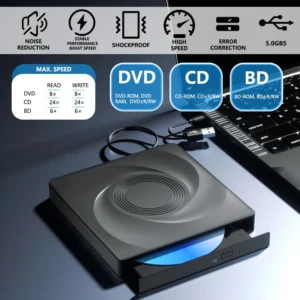
- Maximum Read Speed: Max. 24xCD; Max. 8xDVD; Max. 6xBD
- Maximum Burn Speed: Max. 24xCD; Max. 8xDVD; Max. 6xBD
- Capacity: Support 50G Blu-ray disc reading & writing
- Feature 1: BD/DVD/CD Player
USB 3.0 External Blu-ray Drive, BD/DVD/CD -/+RW Player, DVD Optical Drive For
Laptop Desktop, CD/DVD/BD Reader Compatible with Windows Mac
Computers often do not natively support DVD movie playing, so a third-party media player (such as VLC) must be downloaded and installed to watch DVDs using this CD/DVD player. You can download and install a playing/burning software you like. You can also refer to the following software:
*No fee playing software: Any Media Player, Any DVD
*No fee burning software for Windows OS: InfraRecorder, Ones, Express Disc Burner
*No fee burning software for mac OS: Burn for mac
*No fee burning software for Linux OS/Unix OS: K3b (KDE Burn Baby Burn)
Note:
Please be aware that the playback/burning software for the external Blu-ray drive is not included and must be purchased separately to ensure proper functionality.
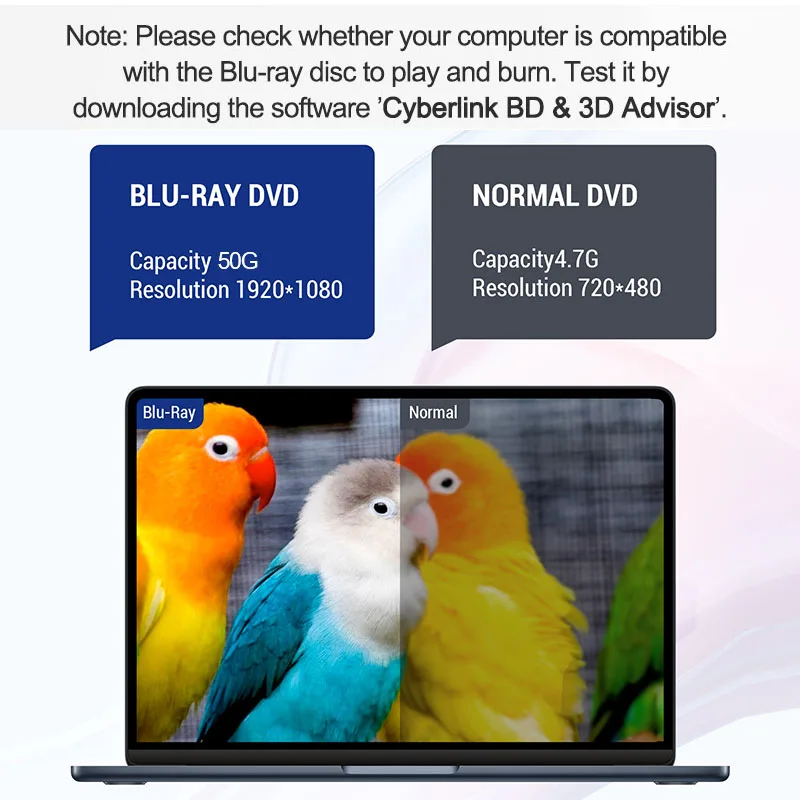
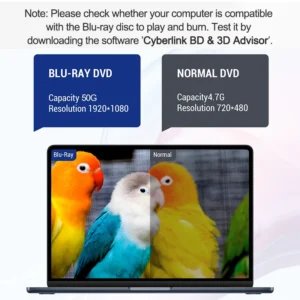
(1). When downloading Blu-ray playback software, Some software in Windows and MAC OS are not compatible,please make sure Blu-ray playback software is compatible with your computer system. Test it by downloading the software ’Cyberlink BD & 3D Advisor’. The software will verify whether your computer is equipped for Blu-ray or 3D playback.
(2). It’ s recommended to play the Blu-ray disc via the BD player ‘Powerdvd10-19’. Burn the Blu-ray disc via the ‘Nero’ burning software.
(Please use professional software to play Blu-ray discs,such as NERO / LEAWO / MakeMKV / iDeer Blu-ray Player / CyberLink PowerDVD / Mac Blu-ray Player / Blu-ray Player / Macgo Blu-ray Player. Some Blu ray playback software requires a fee.)
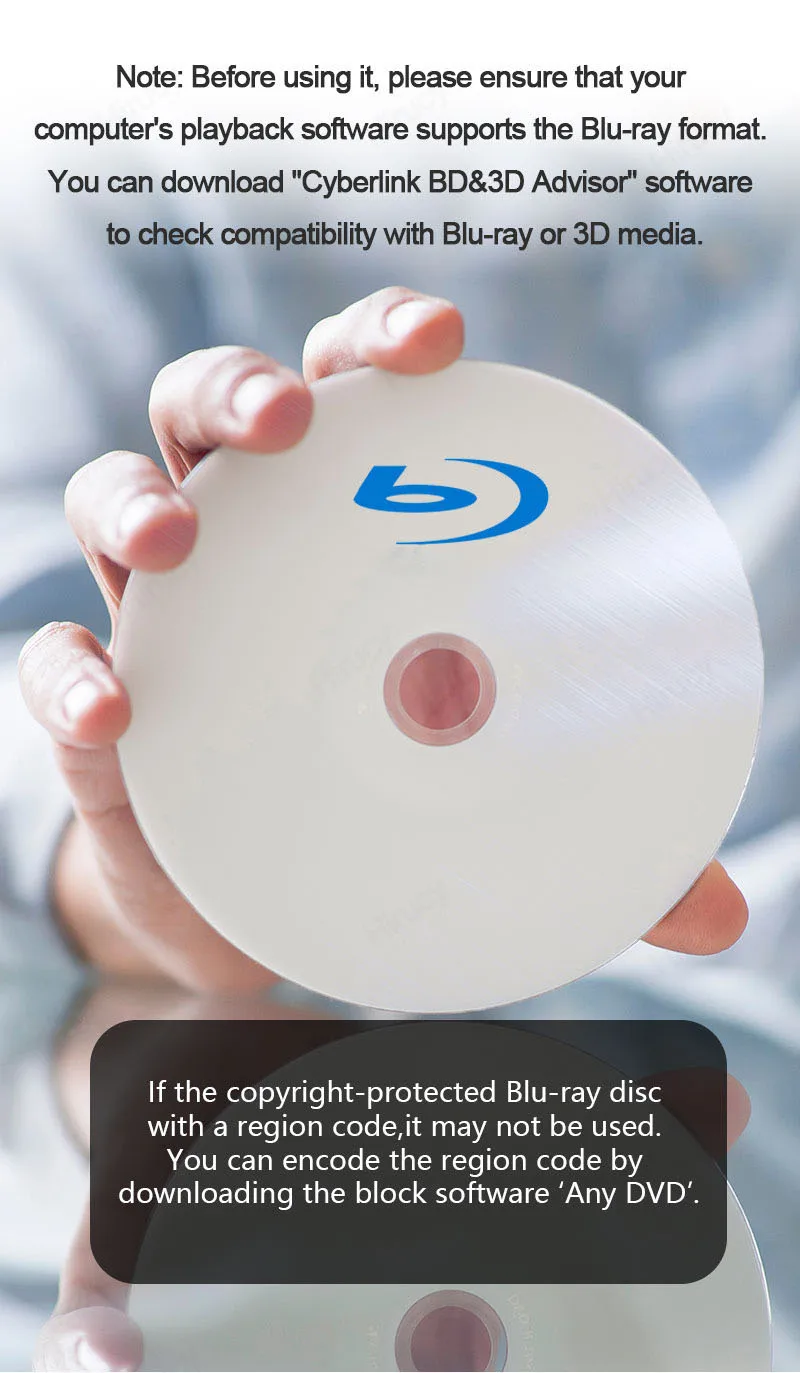
(3). Block the region code. If the copyright-protected Blu-ray disc with a region code may not be used, you can encode the region code by downloading the block software ‘Any DVD’.
Package Including:
1x USB 3.0&Type-c bluray drive,
1 x User manual.
1 x Storage bag
If there are any playback issues, please contact us promptly. Thank you.
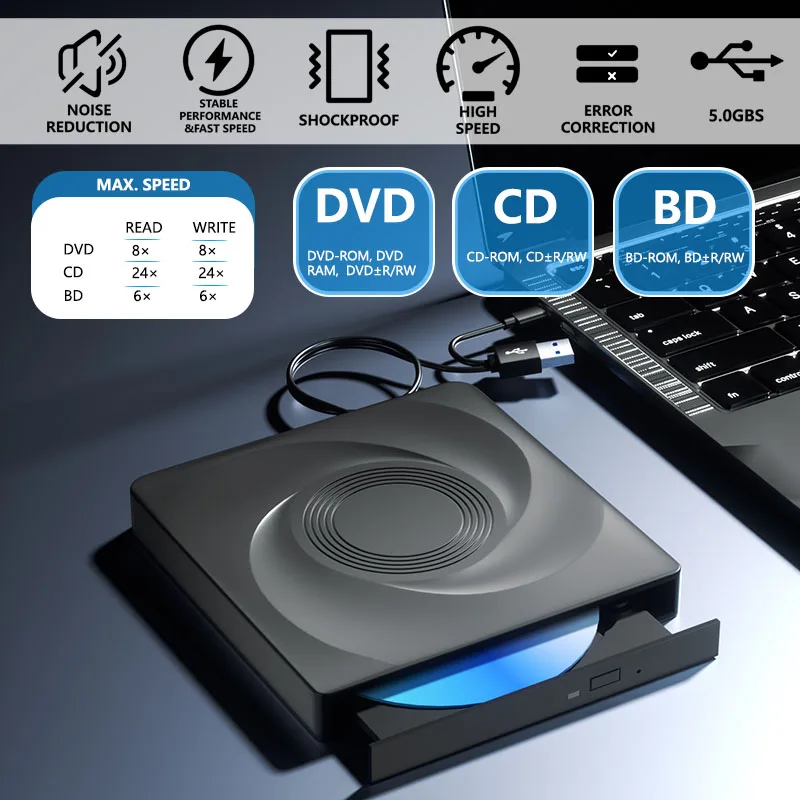
Our external Blu-ray drive are comes with a larger storage capacity and faster reading and recording speeds than a typical DVD drive. The Blu-ray reading speeds of our drive reach up to 6x, while DVDs can be read at up to 8x, and CDs up to 24x. With support for 8.5G, 4.7G, and 700M CD DVD BD burning capabilities, you can enjoy the convenience of data storage and backup.
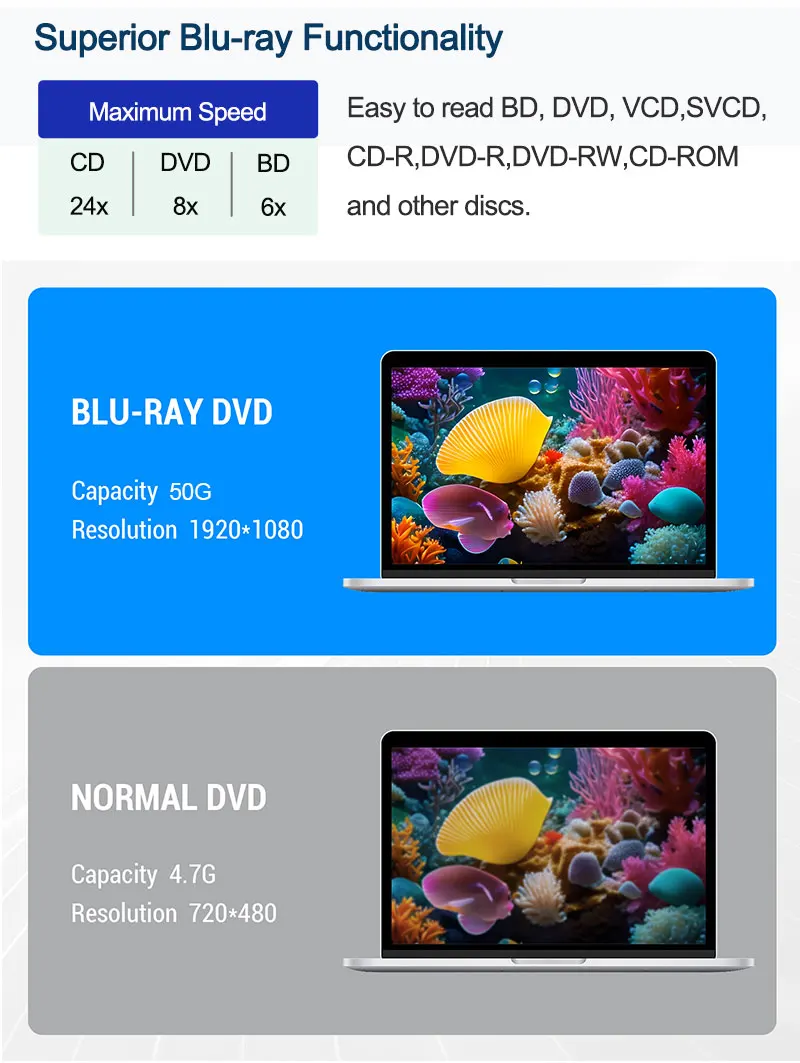
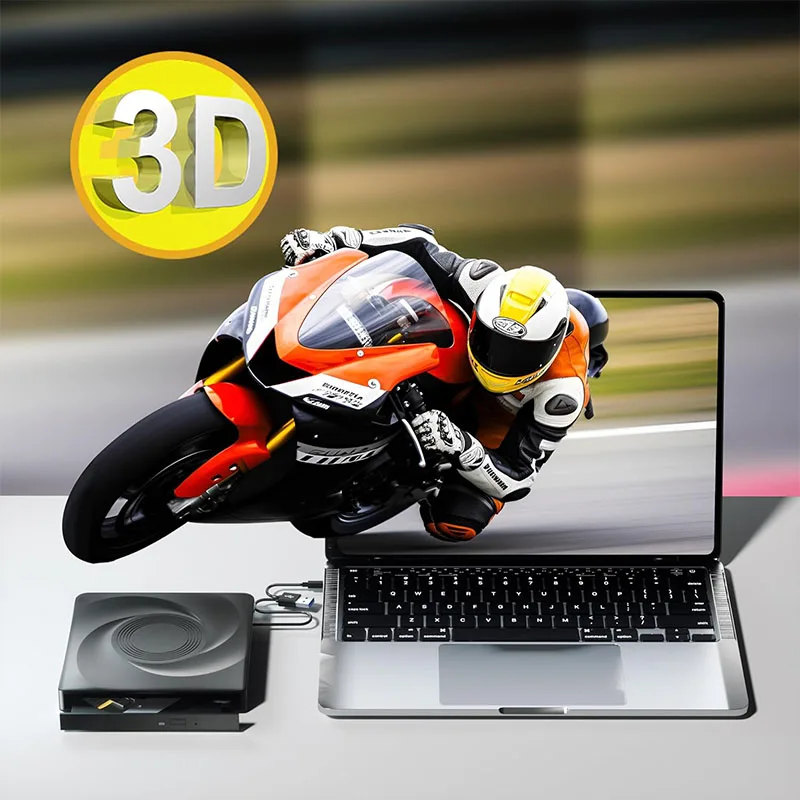
Note — This external Blu-ray drive supports 3D playback, providing you with lifelike clarity that comes close to 4K quality. However, it is important to note that the drive cannot play 4K Ultra HD Discs. Also, please make sure that the playback software installed on your computer is compatible with the Blu-ray format. We suggest downloading the free software “Cyberlink BD&3D Advisor” and installing it on your computer to verify whether your computer is equipped for Blu-ray or 3D playback. The software will deliver the outcome of the test.
If the copyright-protected Blu-ray disc with a region code,it may not be used. You can encode the region code by downloading the block software ‘Any DVD’.





Reviews
There are no reviews yet.