
- High-concerned chemical: None
- Disc Loading Mode: Tray Type
- Installation Method: External
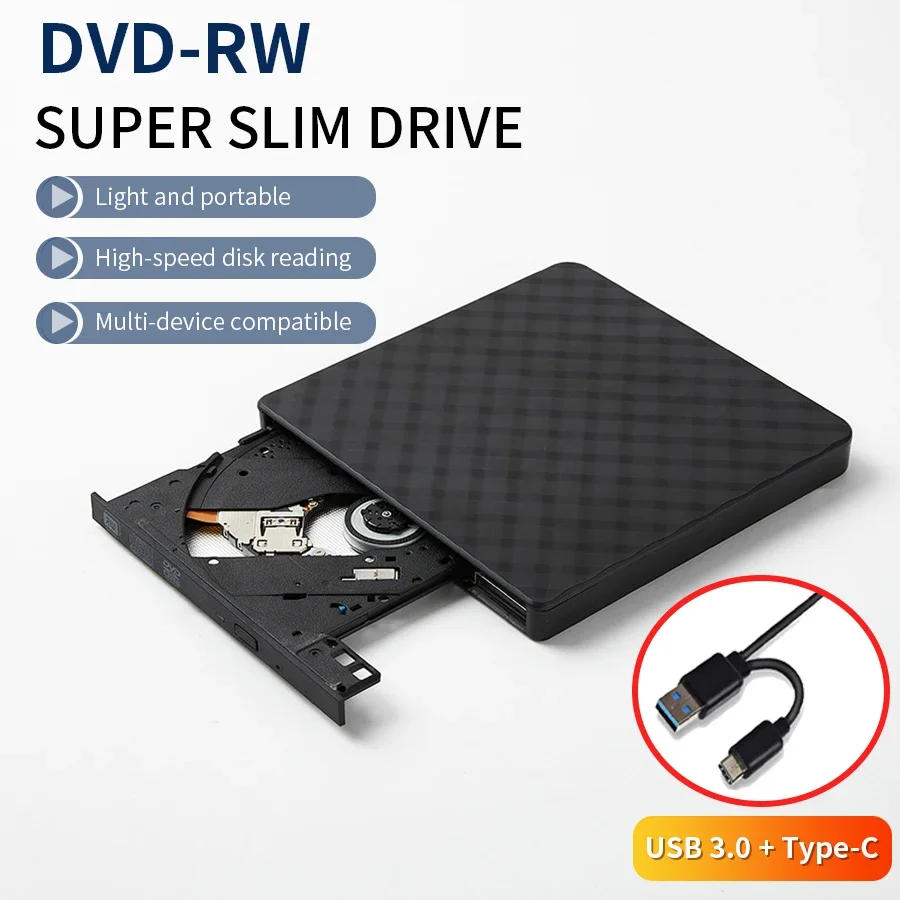
- Drive Type: DVD-RW
- Disc Standard: DVD+ RW
- Recording Format: DVD+ RW
- Package: Yes
- Application: Laptop,Desktop,External
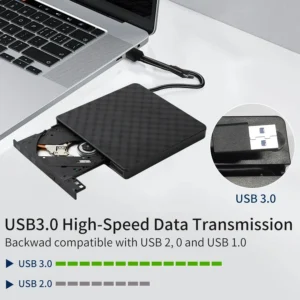
- Interface Type: USB 3.0
- Type: DVD Burner
- Brand Name: GGBEE
- Origin: Mainland China
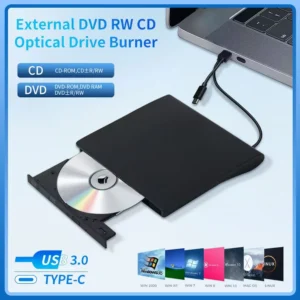
• USB 3.0 Type C Port :The AMMTOO External DVD RW Drive features a USB 3.0 Type C port, ensuring fast data transfer and optimal performance.
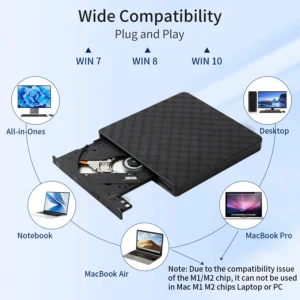
• Versatile Compatibility :This device is compatible with Laptop, Desktop PC, and Linux systems, making it a versatile addition to any device fleet.
• Tray Type Disc Loading :The tray type disc loading method provides convenience and ease of use, allowing you to insert and remove discs without any hassle.
• DVD-RW Drive Type :Equipped with a DVD-RW drive type, this external drive allows you to read and write to DVD discs, enhancing its utility.
• External Installation Method :With its external installation method, this DVD RW drive can be easily attached to your device, offering flexibility and convenience.
• High-Speed Recording Format :The DVD+ RW recording format ensures high-speed recording, saving you time and enhancing efficiency.
The external mobile optical drive box is suitable for desktop and laptop computers with USB2.0 or 3.0 interface protocol. It realizes the function of reading information between the external optical drive and the computer through the USB interface.
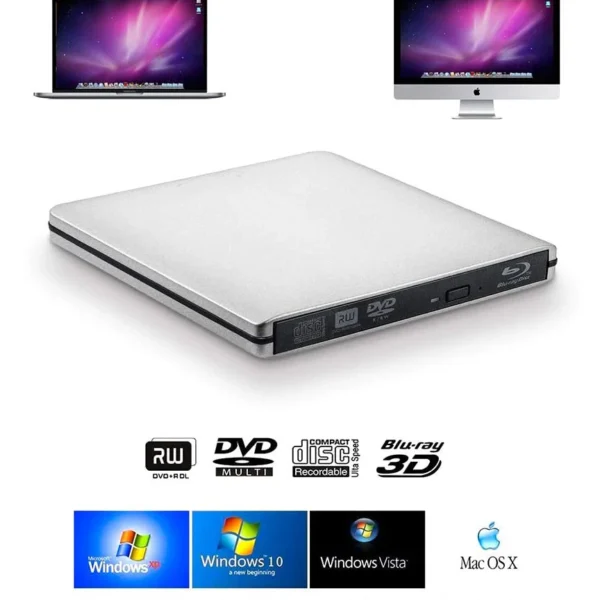
*Compatible with WindowsXP/Wind8/Wind7/Wind10, Linux, Mac IOS systems.
*The internal laser light source may be harmful to your face and eyes, please do not look directly at it.
*No need to install driver, supports plug and play.
*Compatible with USB3.0 port and below ports USB2.0, USB1.1, the work efficiency is more stable. Applicable more widely.
【Portable external Cd dvd drive USB 3.0 DVD/CD player】

【Wide Compatibility】This portable external CD/DVD drive is compatible with most laptops and desktops running Windows 10, 8, 7, Vista, XP, Linux. Note: Cannot work with Chromebook, Car, TV, Truck, Tablet, iPad, iPod.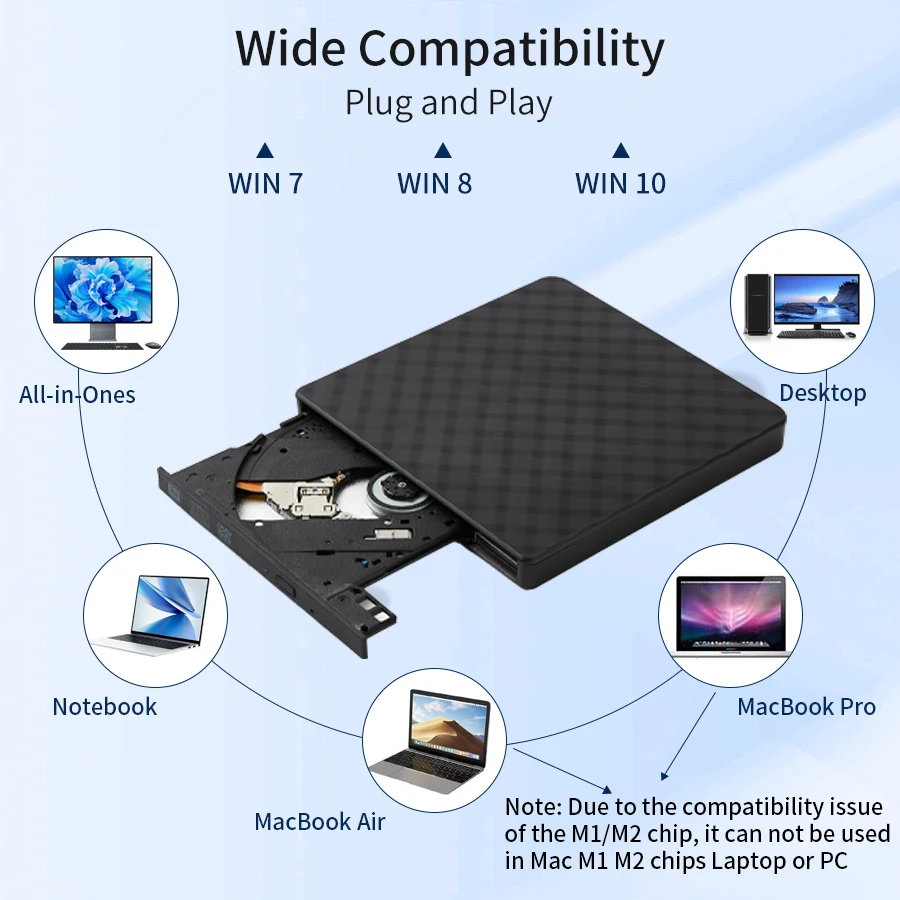
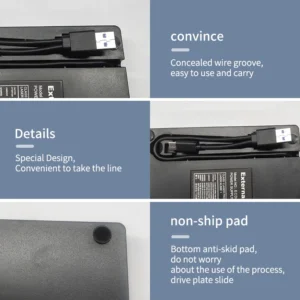
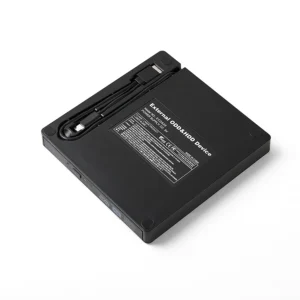
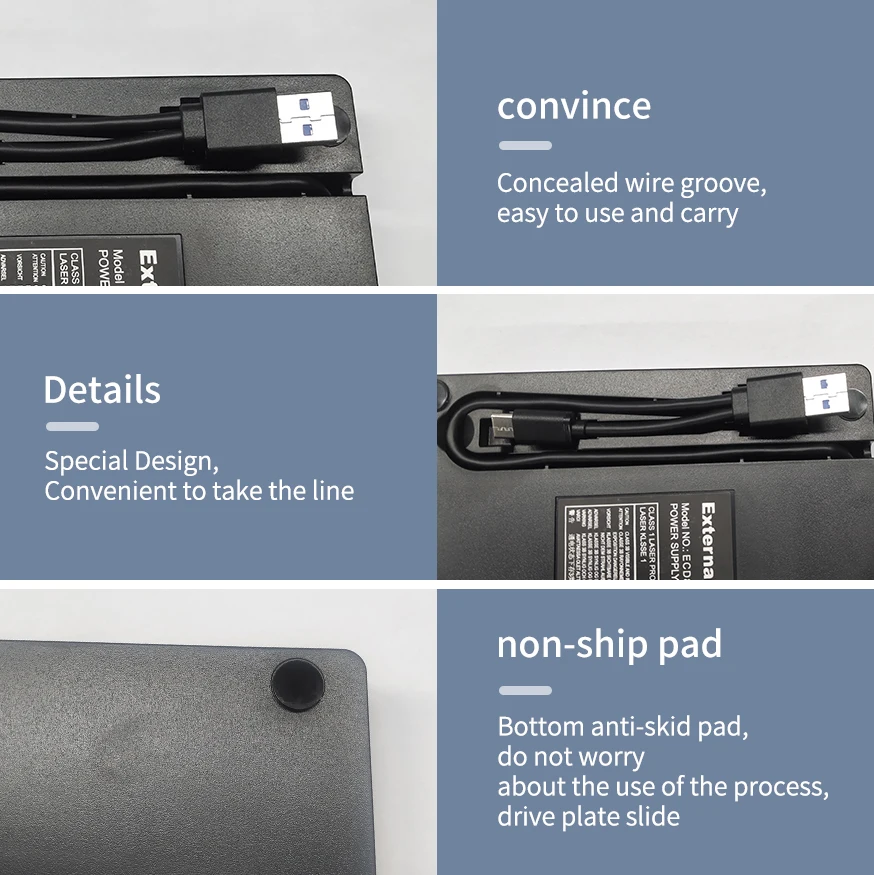
【Detailed Design】Brushed design, classic and beautiful. Wire trough design makes it easy to store wires.
【Multifunctional & Practical】It’s not only a reader, but also writer / burner. you can use it to play your movie DVDs, enjoy music CDs, burn/rip discs, install software/system, download games, and more. 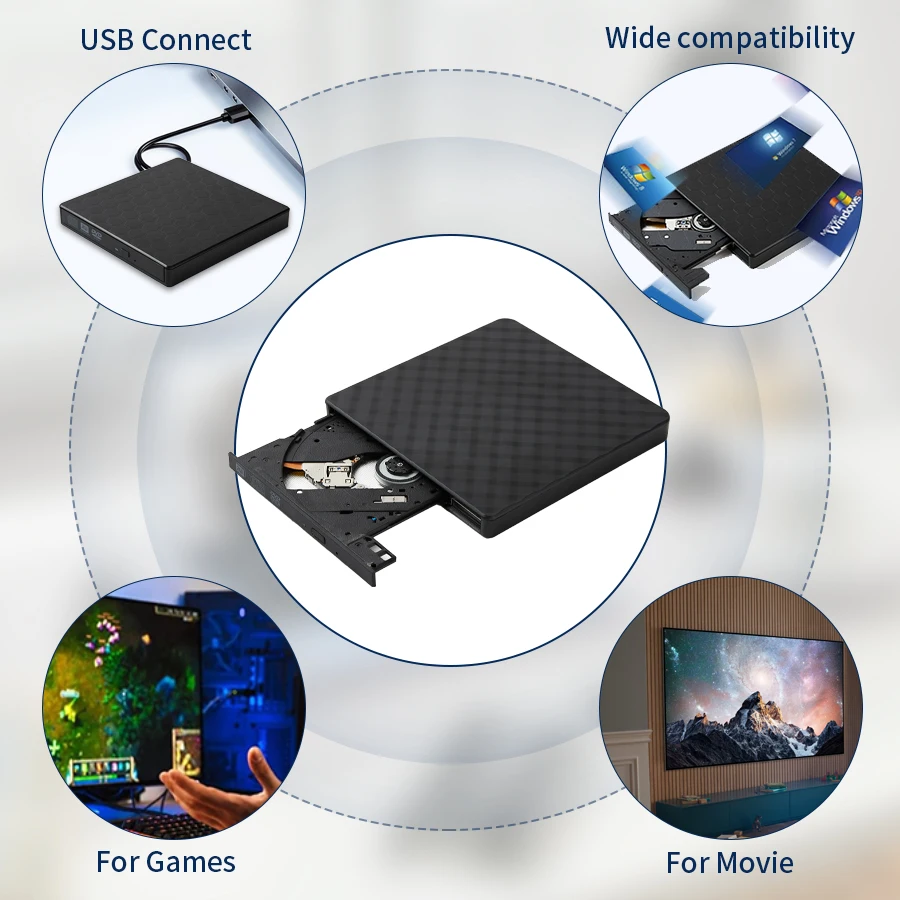
【Note】It is a CD/DVD drive burner, but not a Blu-ray drive, so it can not play Blu ray discs. Due to the compatibility issue of the M1/M2 chip, it can not be used in Mac M1 M2 chips Laptop or PC.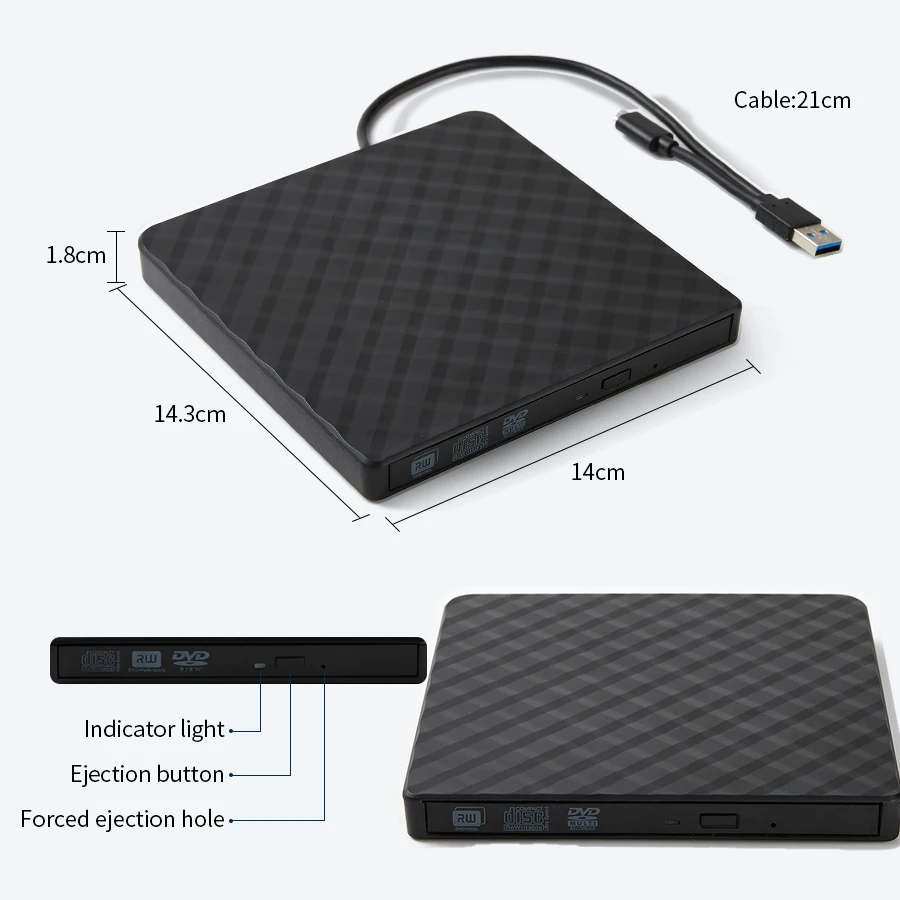
How to Use:
1. Connect the DVD drive:
Connect to the computer through a USB port. Ensure a secure connection, as computers typically automatically recognize new devices.
2. Open the DVD drive
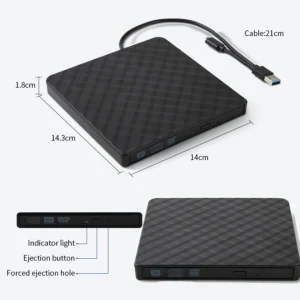
Press the eject button of the optical drive, and the optical drive tray will pop out.
-Be careful to place the DVD disc in the center of the tray, ensuring that the disc label is facing up. Gently press to ensure the disc is securely fastened.
3. Read DVD content
-Push the tray back, and the optical drive will automatically read the disc. Wait for the system to load DVD content. It will take several tens of seconds, please be patient. If you click to open the folder just after inserting the disc, and the disc has not been read yet, it will automatically pop up.
-On some computers, two DVD folders will be displayed. Please be patient and wait for them to be read. After successful reading, one of the folders will disappear. Simply open the remaining folder.
4. Play DVD
-Double click to open the folder, find the contents inside, and you can view them..
6. Pop up the DVD disc
-After the playback ends, you can click on the optical drive icon in the bottom right corner of the computer and select the “Pop Up” option.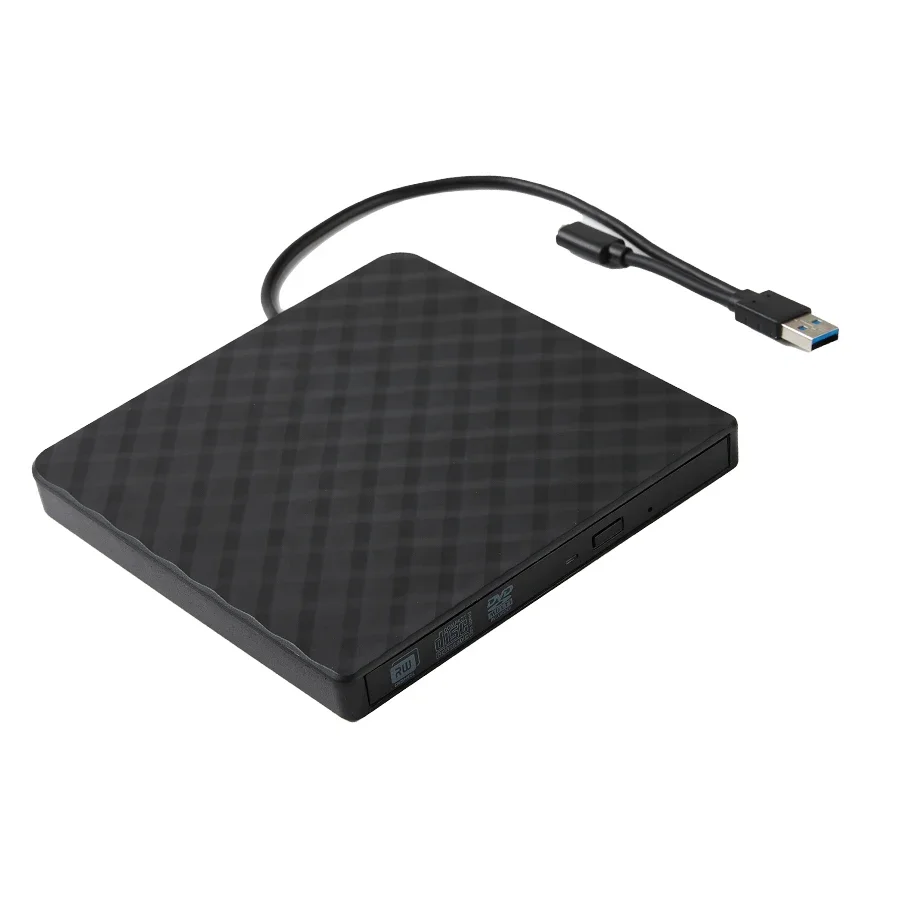

Kindly Note:
The internal laser can be harmful to the eyes and face, please do not open it.
Do not place the machine in an easily accessible location outside the press to ensure the function of the machine.
Please connect the laptop external power supply when you use this external optical drive.
Before you using the External CD/DVD Drive, please make sure your computer has a “Media Player..
If you find the External CD/DVD Drive start out a little slow, please wait for 5-10 seconds..
It is a CD/DVD drive burner, but not a Blu-ray drive, so it can not play Blu ray discs.
Reviews
There are no reviews yet.